
Java Neo 16 vs 20: Which Wheel Size Should You Choose?
Java Neo 16 vs 20: Which Wheel Size Should You Choose?
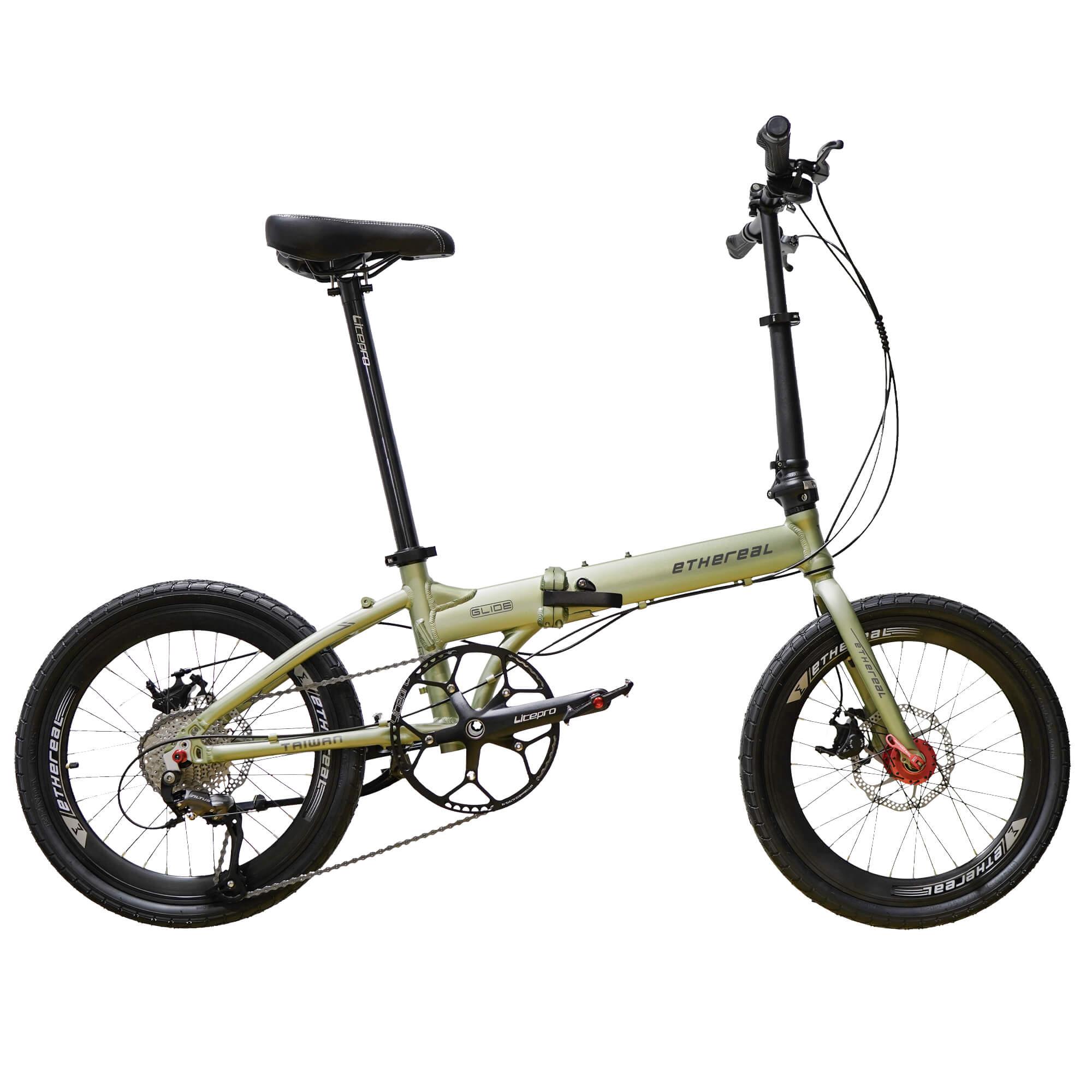
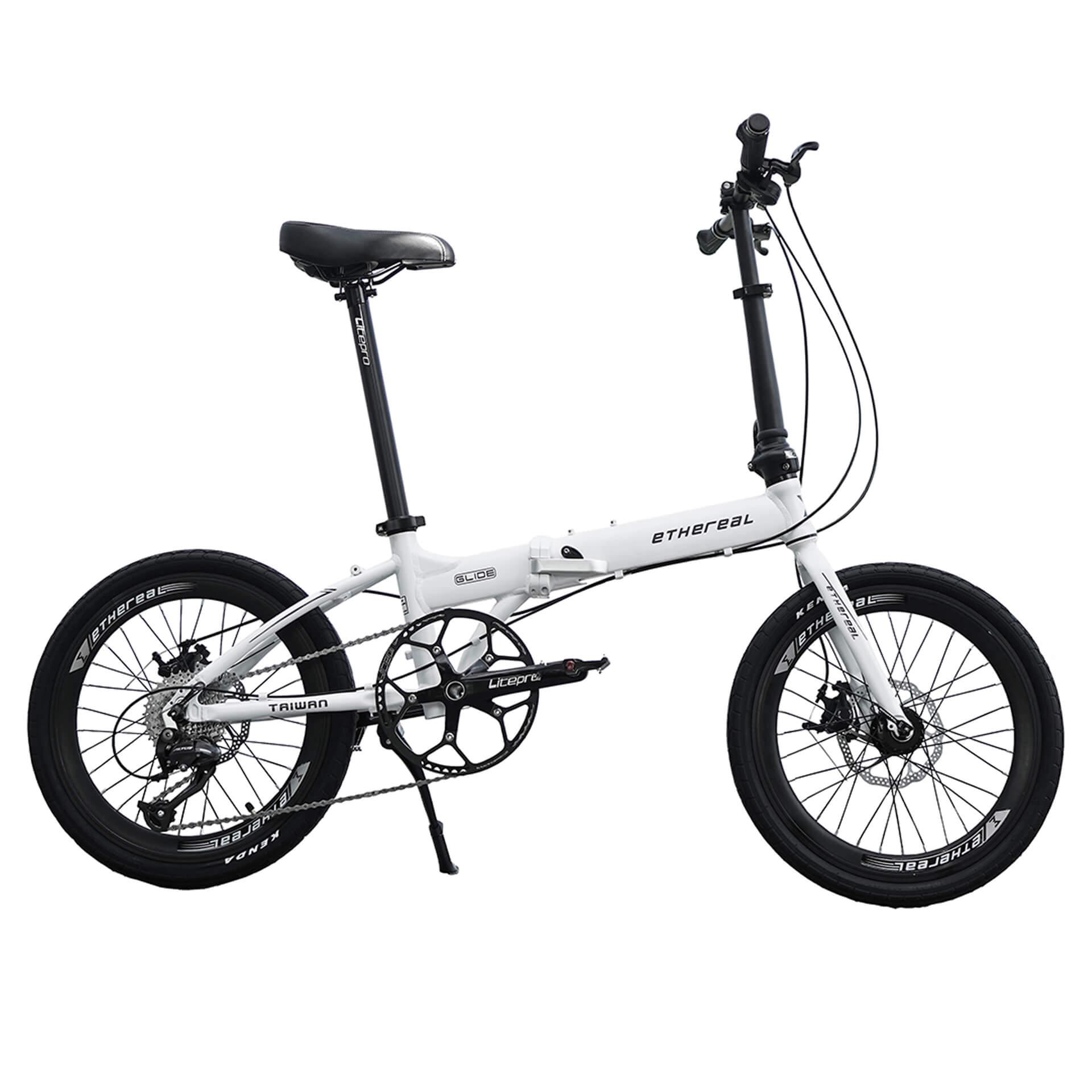
Header photo: product photos of the models compared (not to scale).
Choose a 16-inch (349) Java Neo if a lighter bike and regular carrying are your priorities; choose 20-inch for the larger wheel format and broader model choice. The Neo 3 16 and Neo 3 20 share the same listed folded size, about 80 × 38 × 70 cm. Compare frame, gearing and listed weight before deciding: the 20 Full Carbon is lighter than the aluminium Neo 3 16.
Choosing between the two sizes starts with how often you will fold, store and lift the bike. Both sit within the Java Neo trifold range, but each size includes different frames and drivetrains. Wheel size narrows the shortlist; the complete configuration determines what you will own.
Use the comparison below to check the models against your needs. If you are still comparing other brands or folding formats, browse our folding bicycle collection and guide to the best folding bike in Singapore by budget.
| Current model | Wheel size | Frame | Drivetrain | Approx. listed weight |
|---|---|---|---|---|
| Java Neo 3 16 Inch | 16 inch (349) | 6061-T6 aluminium | Shimano 9-speed | 9.6 kg, without pedals |
| Java Neo 16 Full Carbon | 16 inch (349) | Full carbon fibre | WheelTop EDS 12-speed wireless | 8.7 kg |
| Java Neo 3 20 Inch | 20 inch (406) | Aluminium alloy | Shimano 9-speed | 10.4–10.7 kg, without pedals; varies by configuration |
| Java Neo 3 ECO | 20 inch | Full aluminium | Shimano 7-speed | 11.3 kg, without pedals |
| Java Neo 20 Full Carbon | 20 inch (406) | Full carbon fibre | WheelTop EDS 12-speed wireless | 9 kg |
Weights are approximate product-page figures. The aluminium Neo 3 and ECO figures exclude pedals; the full-carbon figures are listed without an equivalent exclusion stated here. Confirm the exact variant and weighing basis before purchase.
When should you choose a 16-inch Java Neo?
Start with the 16-inch (349) models when compact storage and carrying matter most. The aluminium Neo 3 16 has a smaller published fold than the Neo 3 20 and is listed at about 9.6 kg without pedals. Its Shimano 9-speed drivetrain differs from the 16 Full Carbon’s WheelTop EDS 12-speed wireless system.
Shortlist the 16-inch range if you carry often
- You regularly lift the folded bike into storage or transport.
- You want the smaller of the two published Neo 3 folded sizes.
- You want to compare aluminium and full-carbon builds in the 349 wheel format.

When should you choose a 20-inch Java Neo?
The 20-inch range offers three configurations: the full-aluminium ECO with Shimano 7-speed gearing, the aluminium Neo 3 20 with Shimano 9-speed gearing, and the 20 Full Carbon with WheelTop EDS 12-speed wireless shifting. The Neo 3 20 and 20 Full Carbon list the 406 wheel format.
Shortlist the 20-inch range for broader model choice
Choose this range if you prefer the larger wheel format and want to compare ECO, Neo 3 and full-carbon specifications. The Neo 3 20 is about 10.4–10.7 kg without pedals depending on configuration, while the ECO is about 11.3 kg without pedals. Read our Java Neo ECO vs Neo 3 comparison to narrow those two options.
Folded size: compare the package you will carry
The following dimensions belong to these specific models. Do not apply the Neo 3 measurements to the full-carbon bikes without checking their product pages.
| Model | Listed folded size | Dimensions ordered longest to shortest |
|---|---|---|
| Java Neo 3 16 | About 80 × 38 × 70 cm | 80 × 70 × 38 cm |
| Java Neo 3 20 | About 80 × 38 × 70 cm | 80 × 70 × 38 cm |
| Java Neo 14 | 59 × 35 × 55 cm | 59 × 55 × 35 cm |


Do these three folded sizes fit the MRT and bus limit?
Yes, on the published dimensions when oriented to fit. Against the LTA folded-bike limit of 120 × 70 × 40 cm, their longest dimensions are 80, 80 and 59 cm (all within 120 cm); their middle dimensions are 70, 70 and 55 cm (within 70 cm); and their shortest dimensions are 38, 38 and 35 cm (within 40 cm). This confirms the size comparison for these three models, rather than every Java Neo configuration.
Measure the actual bike you intend to take, including any fitted accessories. For practical handling, see our Java Neo folding and rolling guide.
What about the Java Neo 14?
The Java Neo 14-inch trifold also exists, with a listed folded size of 59 × 35 × 55 cm. Its only listed variant is currently sold out in the product pages, checked 30 Oct 2026. Check the page or contact us for availability before planning around it.
Compare frame and gearing alongside wheel size
The 16 Full Carbon is listed at about 8.7 kg and the 20 Full Carbon at about 9 kg. Both use full-carbon construction and WheelTop EDS 12-speed wireless gearing. The 20 Full Carbon’s listed weight is below the aluminium Neo 3 16’s 9.6 kg figure, so choosing 16-inch wheels does not automatically give you the lighter bike.

Use our Java Neo aluminium vs full-carbon guide to compare the frame options. If you plan to change parts, browse Java Neo upgrades and accessories alongside the Java Neo upgrade guide. Fit can depend on tyre width, rack, easywheels, suspension and frame version; confirm the exact upgrade’s compatibility.
A practical decision process
- Choose the wheel format. Start with 16-inch for compact folding and carrying, or 20-inch for the larger format and broader model choice.
- Choose the frame and gearing. Compare aluminium and full carbon, then the listed 7-, 9- or 12-speed drivetrain.
- Check the weight and fold. Use measurements for the actual model, noting pedal exclusions and fork variants.
- Try the complete bike. Test ride, fold and lift the available variants before ordering.
Frequently asked questions
Is every Java Neo 16 lighter than every Java Neo 20?
No. The current 20 Full Carbon is listed at about 9 kg, while the aluminium Neo 3 16 is about 9.6 kg without pedals. Frame and component specification matter alongside wheel size.
Do all Java Neo 20 models have the same gearing?
No. The ECO is listed with Shimano 7-speed, the Neo 3 20 with Shimano 9-speed and the 20 Full Carbon with WheelTop EDS 12-speed wireless shifting.
Can the same upgrade fit every 16- and 20-inch bike?
Do not assume that. Some upgrades list broad compatibility, while others depend on tyre, rack, extender, fork or frame details. Use the exact upgrade page and ask for a photo assessment when the store recommends one.
Where can I compare all current models?
See the full Java Neo range for the current comparison table and direct links to each bike.
What are the listed folded sizes of the Neo 3 16 and Neo 3 20?
The Neo 3 16 and Neo 3 20 both fold to about 80 × 38 × 70 cm.
Do the Neo 3 16, Neo 3 20 and Java Neo 14 fit the MRT and bus size limit?
Their published folded dimensions fit LTA’s 120 × 70 × 40 cm size limit when oriented to fit. Ordered longest to shortest, they measure 80 × 70 × 38 cm, 80 × 70 × 38 cm and 59 × 55 × 35 cm respectively. Check the actual folded bike, including accessories, before travel.
Test ride both sizes at our Woodlands showroom
Try the available 16-inch and 20-inch Java Neo models side by side. Fold and lift each bike to compare the package you will carry, then test ride to choose your preferred wheel format.
The Bike Atrium
11 Woodlands Close, #04-45, Woodlands 11, Singapore 737853
Open 11:30am–7:30pm (closed Wednesdays & public holidays)
WhatsApp 8767 8798 · Call 6348 8608